
Design custom products faster
DriveWorks design automation solution enables manufacturers to automate repetitive, time-consuming SOLIDWORKS® tasks so teams can focus on increasing throughput, solving custom design challenges, and improving existing products and processes. Oasis Trailer Mfg use DriveWorksXpress to calculate the rules and drive their SOLIDWORKS models, reducing design time by 75%.
Oasis Trailer Mfg save time by automatically generating new SOLIDWORKS drawings
The challenge
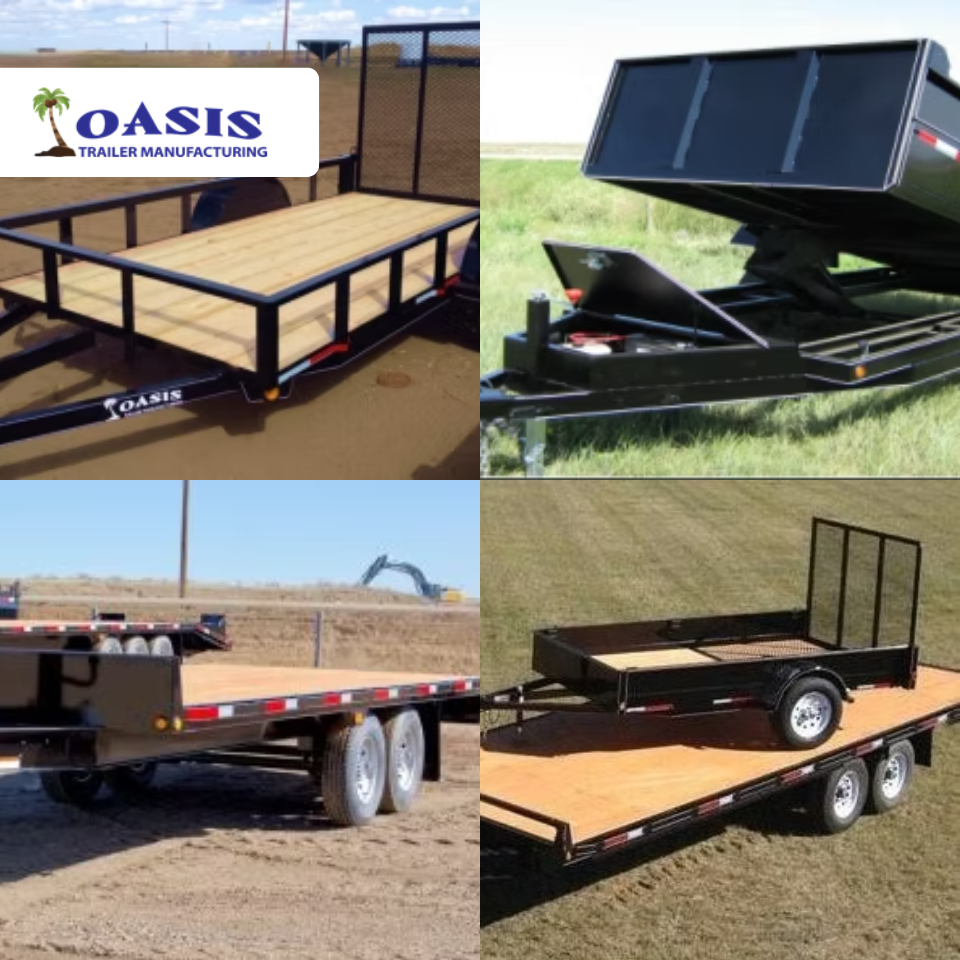
Oasis Trailer Mfg Ltd has been manufacturing custom trailers in Rolling Hills, Canada, since 2006. They design and manufacture custom trailers and focus on custom welding. Axle size, and door sizes and configurations change with each trailer specification, with every configuration requiring the generation of a new set of SOLIDWORKS manufacturing drawings. They wanted a solution to speed up this repetitive manual design process.
The solution
Oasis Trailers use DriveWorksXpress to calculate the rules and drive their SOLIDWORKS models for each new trailer configuration, automatically generating a new drawing at the same time.
They created a simple three-input form using the form-building options in DriveWorksXpress. The inputs automate the requirements for the Hub Face, the Spring Center, and the Wheel Options of the trailer axles. Each time a new specification is entered on the form, DriveWorksXpress works in the background to calculate the rules and drive the SOLIDWORKS model. Previously, this would be 20 minutes of repetitive work. Using DriveWorksXpress, this time has been cut down to just 5 minutes.
Summary of benefits achieved with DriveWorks
- 75% reduction in design time
- More time to focus on high-value design work
- Streamlined design process
- Automatic generation of SOLIDWORKS models

We use DriveWorksXpress on a regular basis here at Oasis Trailer Mfg. It is a game-changer in saving time. Tasks like creating different sizes of axle assemblies and different sizes and configurations of trailer doors used to take 20 – 30 minutes of repetitive work, but now with the help of DriveWorksXpress, these tasks are cut down to less than 5 minutes. This hassle-free process frees up design time to focus on custom high-value design that makes our trailers special.
Ben Fehr, Oasis Trailers Mfg Ltd
DriveWorksXpress: Entry-level design automation included free in every seat of SOLIDWORKS®
DriveWorksXpress is entry-level design automation that’s included for free in every seat of SOLIDWORKS. Use DriveWorksXpress to automatically create new, order-specific versions of your SOLIDWORKS parts, assemblies, and drawings.
Setting up and using DriveWorksXpress is simple. Capture the parameters you manually update in SOLIDWORKS, build a form to enter your product requirements, and create rules to accurately calculate how the captured parameters should be updated.
Once DriveWorksXpress is set up, you can run it again and again to automatically create new SOLIDWORKS files.
Activate your free license of DriveWorksXpress in the SOLIDWORKS® tools menu.