
The fastest way to increase design team efficiency is to capture engineering logic and automate repetitive CAD tasks.
DriveWorks enables manufacturers to automatically generate SOLIDWORKS® designs, drawings, BOMs, and manufacturing documents using rules-based design automation. By automating repetitive design tasks and generating accurate designs, DriveWorks increases design team output, reduces errors, and frees up engineers to focus on higher-value projects.
What causes design team inefficiency?
The challenge of “same but different” designs
For manufacturers of custom products, a significant amount of time is spent on creating “same but different” designs, with design teams working on manual tasks such as:
- Updating existing CAD models
- Changing dimensions and configurations
- Creating drawings, assemblies, and BOMs
- Checking designs are manufacturable
The business impact of design team inefficiency
As configuration complexity grows and inquiries increase, the volume of manual work slows down the design cycle and increases the risk of errors.
Bottlenecks appear in the design process, leading to:
- Slow quote turnaround times
- Lost sales
- Poor customer satisfaction
- Less time for product innovation
- Additional pressure on design engineers
How does DriveWorks help engineers work more efficiently?
DriveWorks design automation solution for SOLIDWORKS®
Manufacturers all over the world use DriveWorks to improve the efficiency of their design teams:
- Eliminate repetitive design tasks
- Capture and reuse engineering knowledge
- Improve design accuracy
- Remove engineering bottlenecks
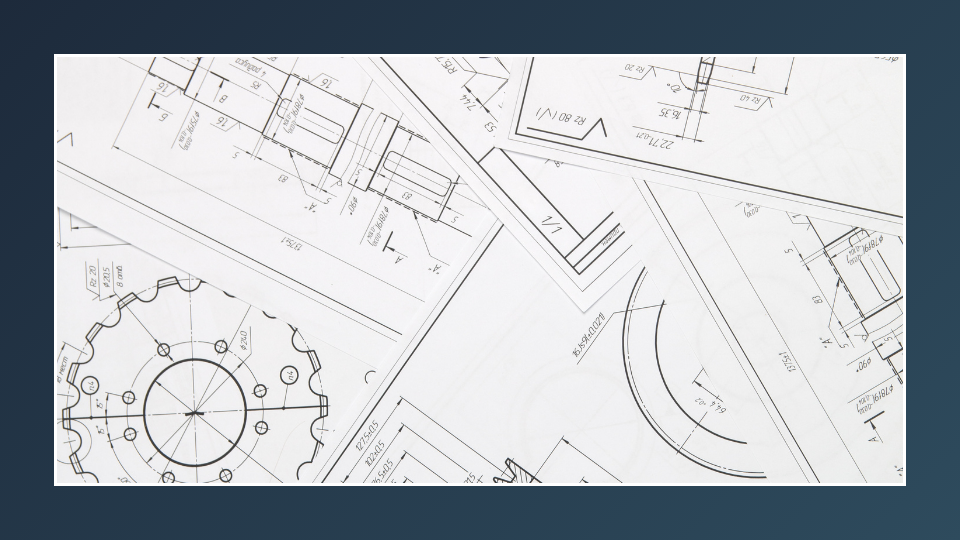
1. Eliminate repetitive design tasks
DriveWorks automates SOLIDWORKS design tasks so engineers spend less time recreating different versions of existing work.
Using rules-based automation, DriveWorks automatically generates SOLIDWORKS parts, assemblies, drawings, BOMs, and other manufacturing documents to meet specific customer requirements.
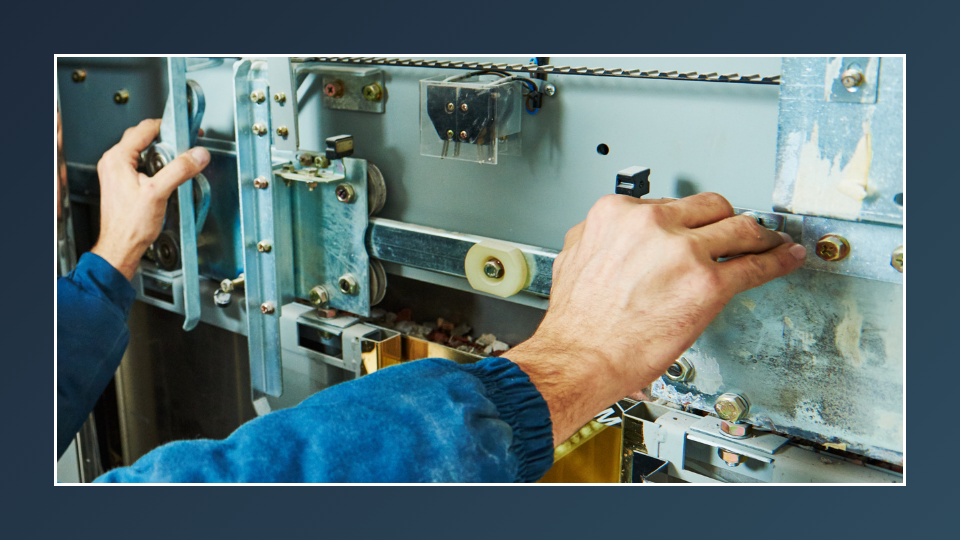
2. Capture and reuse engineering knowledge
For many manufacturers, design rules are held in spreadsheets, documents, and the general knowledge of individual engineers. As products become increasingly customized, this can lead to bottlenecks and errors. Additionally, when experienced engineers leave, knowledge can disappear. This is often referred to as “brain drain” and is a key challenge when combined with the growing skills gap in the manufacturing industry.
DriveWorks captures engineering knowledge as a set of reusable rules to ensure design accuracy and consistency. Design rules are stored centrally in DriveWorks, reducing reliance on individual engineers and preserving valuable engineering know-how.
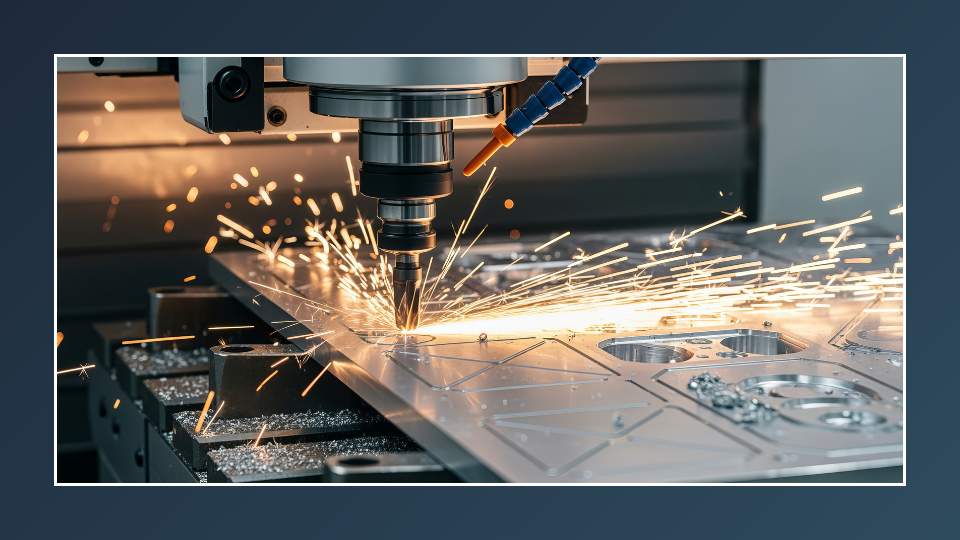
3. Improve design accuracy
Errors and rework are common challenges for custom product manufacturers. Every design revision reduces the overall efficiency of the design team and slows down response times.
DriveWorks automatically applies predefined engineering logic to every design, reducing the risk of human error and ensuring design consistency for every configuration. This improves accuracy and reduces rework volume and costs.
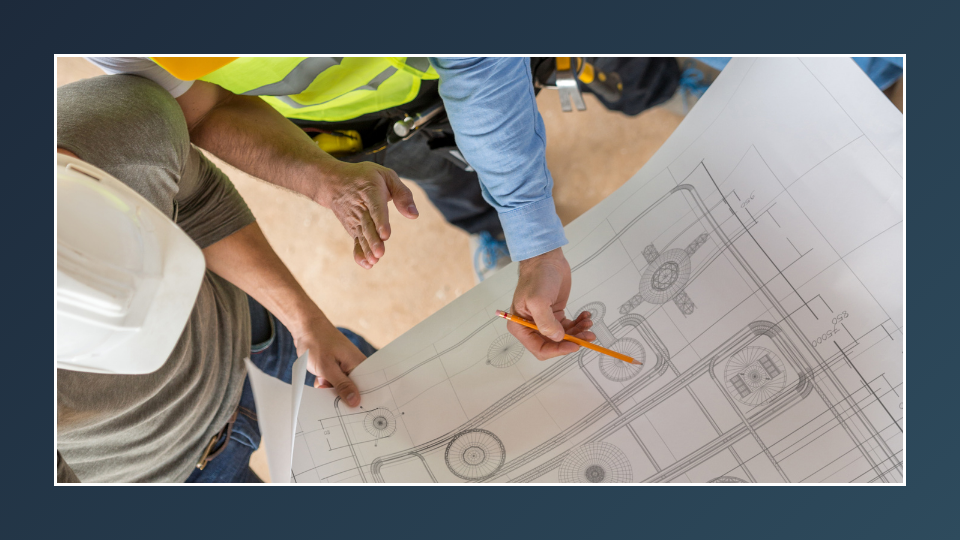
4. Remove engineering bottlenecks
Design team workload can often become a bottleneck for other parts of the business.
DriveWorks streamlines the design process by automating repetitive design tasks. This enables design teams to respond to design requests faster, improving quote response times and increasing sales.
What are the benefits of DriveWorks for design teams?
Design teams using DriveWorks benefit from:
- Increased design output
- Fewer errors and rework
- More time to focus on innovation
- Improved collaboration
Increased design output
Automating repetitive design tasks enables engineers to produce more designs in less time and scale design output as sales volumes increase.
Fewer errors and rework
Rules-driven design automation ensures designs are accurate and manufacturable, eliminating errors and reducing costly rework.
More time to focus on innovation
With repetitive design tasks automatically generated, engineers have more time to focus on higher-value work, such as new product development.
Improved collaboration
Improved design cycle times with accurate design outputs reduce the need for back-and-forth dialogue between design, sales, and production teams.
Key takeaways
- DriveWorks automates repetitive SOLIDWORKS tasks
- Engineering rules and knowledge are captured and reused
- Automatically generated designs improve accuracy rates
- Reduced errors and less rework increase design team efficiency
- Manufacturers can increase design output without increasing headcount
- Improved design team efficiency wins more deals
Design teams achieving more with DriveWorks
Design teams using DriveWorks achieve improved efficiency, accuracy, and productivity.
Marelli reduced design time by 50% and improved error rates.
IMA-PG reduced design time from 4 days to 1 day.
Markilux reduced design time from 4 hours to 20 minutes.
About DriveWorks
DriveWorks design automation, 3D product configurator, and CPQ solutions enable manufacturers of custom products to design and sell customer products faster and with greater accuracy. DriveWorks is sold worldwide and supported locally by authorized resellers in your time zone.