
Speed up drawing generation with design automation
Generate custom drawings faster and with improved accuracy.
Traditional engineering design processes often rely heavily on manual tasks. Custom product design adds even more complexity to the process, resulting in slow design cycles and bottlenecks. Additionally, high volumes of manual designs can lead to mistakes and re-work.
Today’s B2B customers expect to receive accurate quotes and drawings quickly. But with an engineering design process that’s slow and open to errors, this can be difficult to achieve. Delays in providing designs can result in lost sales and margin erosion.
DriveWorks design automation solution
Design automation is the use of software tools and technologies to automate repetitive and time-consuming tasks within the design process. This can range from generating complex models and simulations to automating code generation and design validation.
For custom drawing generation, this means that rather than re-drawing the same component with slightly different dimensions for every new design request, design automation automatically creates the new design, working with the rules and constraints set by design engineers.
With design automation, custom drawings are generated faster and with improved accuracy.
Using DriveWorks design automation solution, design engineers capture and reuse design, process, manufacturing, and cost estimation knowledge to automatically create order-specific SOLIDWORKS® parts, assemblies, and drawings. DriveWorks is simple to set up without needing to use complex macros, design tables, or configurations.
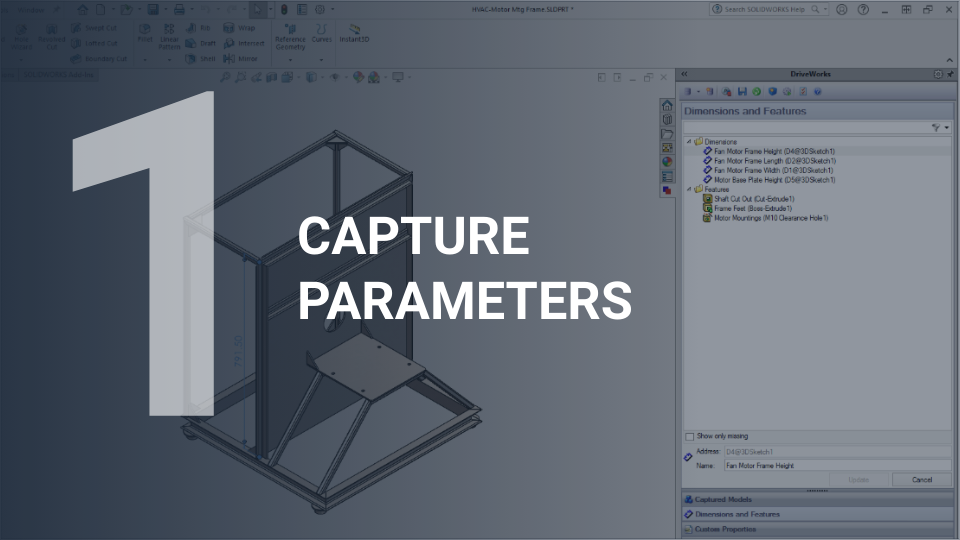
Capture parameters
Select the parameters you currently change manually in your SOLIDWORKS models, assemblies, and drawings using the DriveWorks add-in for SOLIDWORKS.
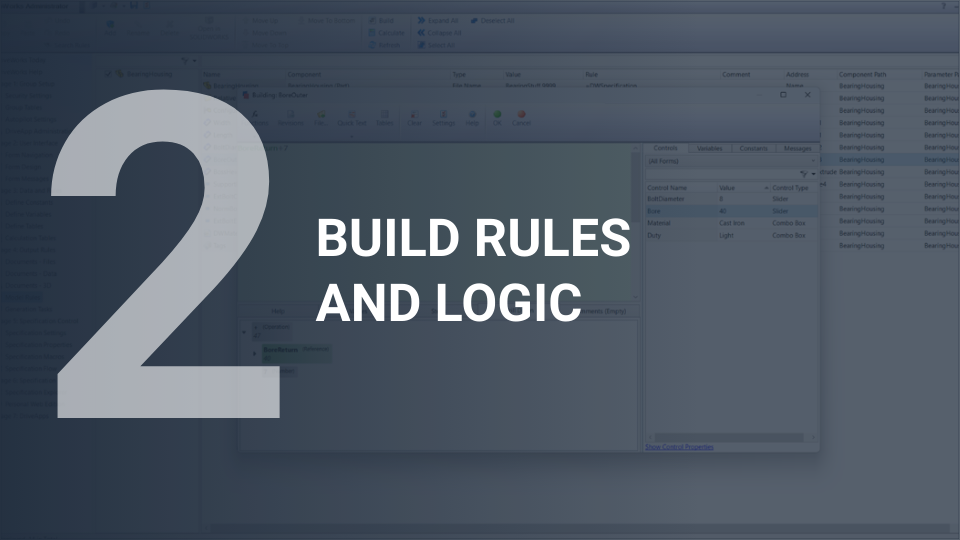
Build rules and logic
Use the DriveWorks Rules Builder to capture your engineering knowledge as custom rules that automatically control and update the captured SOLIDWORKS parameters.
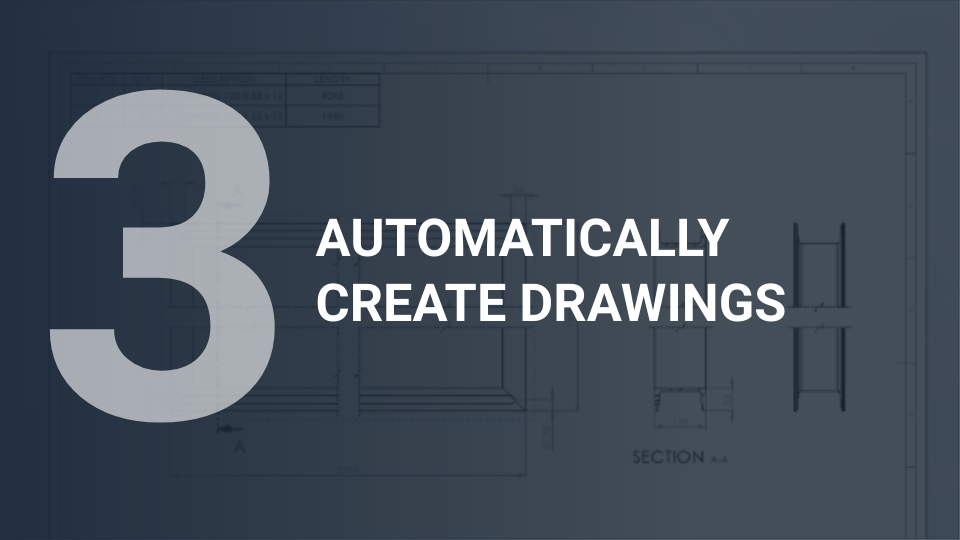
Automatically create drawings
Run your DriveWorks project over and over again. Enter order-specific design requirements and automatically generate new SOLIDWORKS models, assemblies, drawings, and BOMs, based on your rules.
The benefits of design automation in engineering

Capture and re-use knowledge
Valuable design knowledge can be lost when engineers leave the business. Design automation tools capture engineering knowledge in a structured format. Design expertise is stored securely, so valuable knowledge and engineering experience is preserved.
Improve accuracy
Drawings are generated automatically, using rules and parameters set by design engineers. This removes the risk of human error when drawings are generated and reduces the volume of rework requests. Design automation ensures that all configurations are accurate and manufacturable.
Remove bottlenecks
“Same but different” drawings are automatically generated with a shorter design cycle. Engineers deliver faster design iterations with minimal manual input, removing bottlenecks in the design department and providing more time for new product design.
Design automation in action
Liftech Group reduced crane drawing time from 4 days to 10 minutes with DriveWorks
Liftech Group Sdn Bhd specializes in manufacturing and supplying heavy lifting equipment. Their product lines include overhead, jib, and monorail cranes. To enable them to meet customer demand efficiently and accurately, Liftech needed a solution to optimize the generation of crane drawings.
Previously, manual crane drawing generation took up to 4 days. Now, using DriveWorks to automate the generation of drawings, the process takes less than 10 minutes. This has improved response times as the sales team can send accurate drawing documents to their customers faster.