

Documents
Respond faster and win more business by automatically creating sales and manufacturing documentation including quotes, BOMs, and approval drawings.

Customizable
Customizable templates give you complete control over the layout and design of your documents.

File format options
DriveWorks automatically exports documents in the format you need, removing the need for manual file conversions.

Respond faster
Remove bottlenecks from the sales process by automatically exporting order-specific documents.
Document technology features
DriveWorks automatically creates a wide range of customizable documents in different formats.
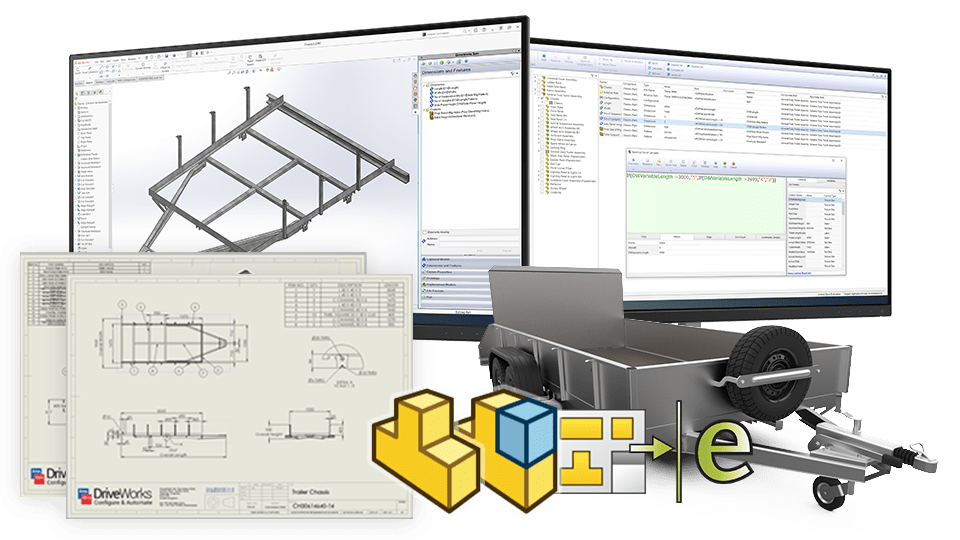
SOLIDWORKS® documents
DriveWorks can save your SOLIDWORKS parts, assemblies, and drawings in a variety of other formats, including eDrawings, DXF, and PDF.
- Create BOMs, cut lists, and supporting documents for manufacturing.
- Automatically update drawings and additional file formats when product designs and specifications are revised.
Microsoft Word and Microsoft Excel
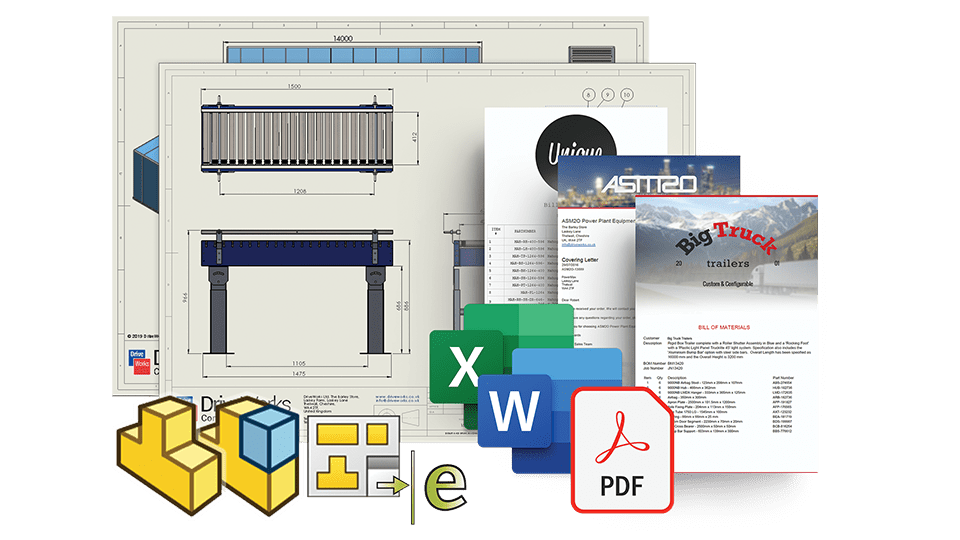
Automatically create order-specific Microsoft Word and Microsoft Excel documents as part of your workflow.
- Automatically insert images into Microsoft Word and Microsoft Excel documents, including order-specific images generated by DriveWorks.
- Update tables in Microsoft Word by driving an array of data into a single bookmark.
- Use DriveWorks to automatically run Microsoft Excel macros to perform specialised tasks.
- Export generated documents in other formats, such as CSV, PDF and TXT.

JSON, XML, HTML and text
Create, import, and manipulate text-based files automatically.
- DriveWorks uses your JSON schema, text, and XML files, applies your configuration rules, and automatically creates new schema and files, enabling you to pass data to and from other systems. Text files can be saved in different file formats, including markdown and CSV.
- Build documents using HTML to create emails or quotes, and use CCS to style your HTML document output. DriveWorks rules-based technology gives you complete control over the content.
PDFs
Specification Macro tasks make creating and manipulating PDFs without additional software simple.
- Automatically create accurate PDFs from your own rules-based data. DriveWorks can create PDF files from Microsoft files, markdown, images, and drawings. You can also create 3D PDFs of SOLIDWORKS parts and assemblies.
- Manipulate PDFs using DriveWorks built-in functionality, enabling you to merge, rotate and delete pages, and add watermarks.


Export images
DriveWorks automatically creates images of configured products to include in documents, enhancing customer experience and streamlining sales processes.
- Export images of your DriveWorks forms at any time, enabling you to capture user inputs at different stages.
- Export images of your generated SOLIDWORKS files to provide customers and sales teams with a visual representation of their configured models.
- Export images of your 3D files to provide customers and sales teams with a visual representation of their configured design.
Emails
DriveWorks Autopilot automatically sends emails with generated documents and approval drawings attached.
- Emails are paused until documents are generated and ready to be sent.
- Send email notifications to internal teams as orders progress through your custom workflow.
- HTML emails give you complete control over the design and content of your email to match your company branding.
Explore DriveWorks technology with interactive online demos.
Request a demo with a technical specialist
Fill out the form below and a member of the DriveWorks team will be in touch.