

DriveWorks Solo
Powerful SOLIDWORKS® part, assembly, and drawing automation – start your 30-day free trial today.
DriveWorks Solo overview
DriveWorks Solo sits in the SOLIDWORKS® task pane, enabling engineers to configure custom products and automatically generate order-specific SOLIDWORKS parts, assemblies, and drawings.
Setting up DriveWorks Solo quick and easy. Capture the parameters engineers manually update in SOLIDWORKS, create forms to enter product requirements, and build rules to accurately calculate how the captured parameters should be updated.
There’s no need for complex macros, design tables or code.
Start your free 30-day full feature trial of DriveWorks Solo now. Get instant access, no credit card required.
Set up once, run over and over again
DriveWorks Solo is simple to set up and maintain. Set up once then run your configurator over and over again to create order-specific SOLIDWORKS parts assemblies and drawings.

Increase throughput
Increase throughput and spend more time on what matters most by automating repetitive, time consuming SOLIDWORKS design tasks.

Eliminate errors
Ensure configured products always meet customer requirements and product constraints using intelligent rules-based configuration.
Calculate your return on investment for DriveWorks Solo
DriveWorks Solo features
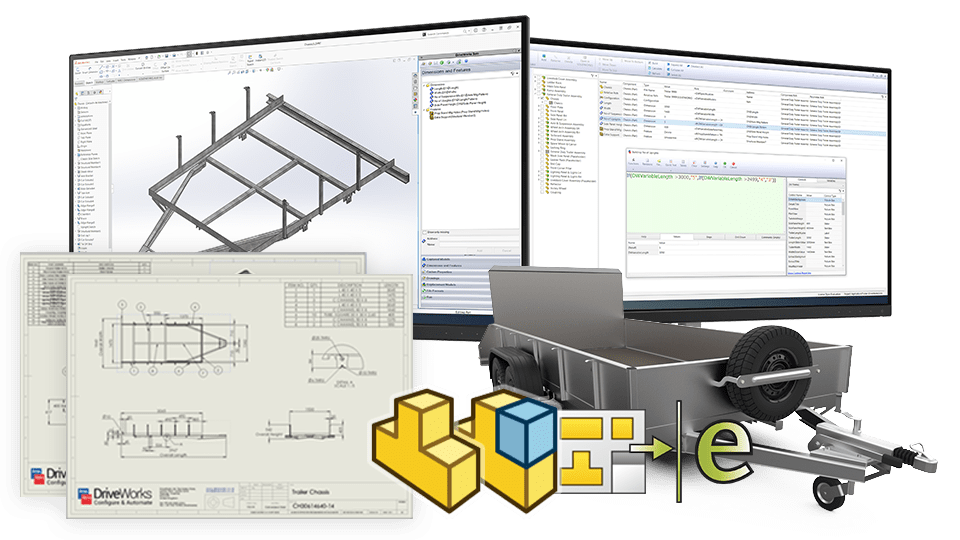
Powerful SOLIDWORKS automation for parts, assemblies and drawings.
Powerful SOLIDWORKS automation
Automatically create order-specific versions of your SOLIDWORKS parts, assemblies, and drawings.
- Control dimensions, features, custom properties, advanced feature parameters, instances and file formats.
- Dynamically replace components.
- Create a library of components using intelligent file reuse.
Advanced drawing control
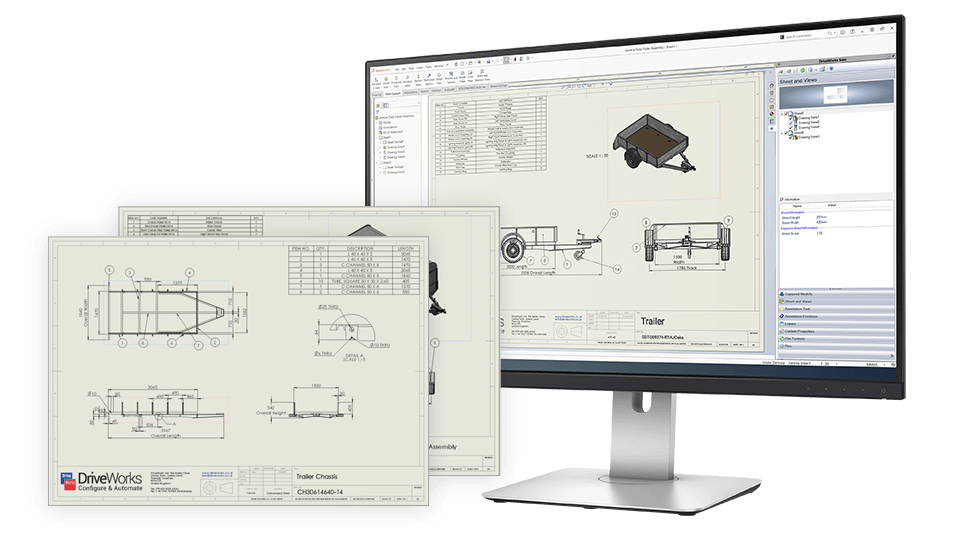
Save time and boost product quality by automatically creating accurate manufacturing drawings with DriveWorks Solo.
- Control sheets, views, annotation text, annotation positions, layers, break lines and custom properties.
- Generation reports provide a complete audit trail of drawing values.
- Save drawings out in additional file formats, such as PDF, JPEG, DXF and DWG.
Preview results
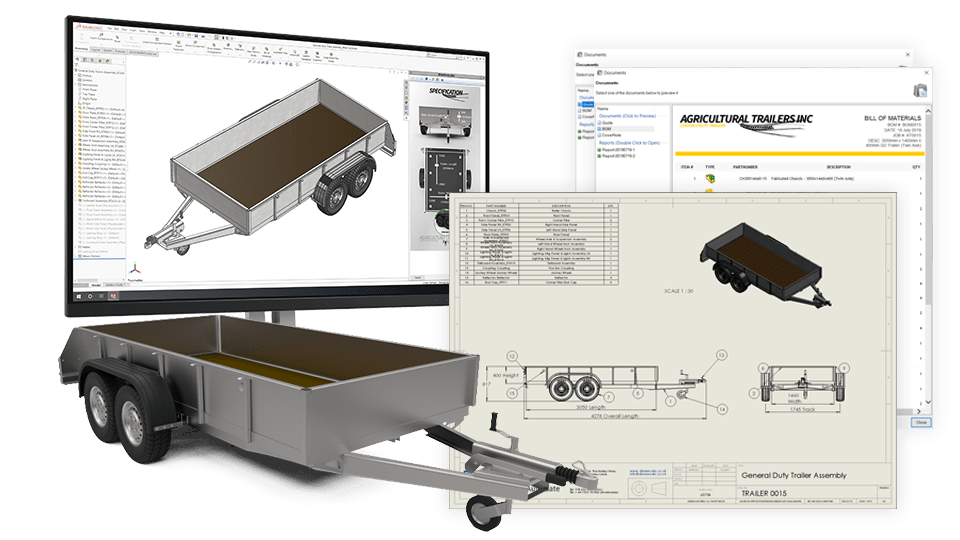
Preview results as you enter design requirements before you generate final models, drawings and documents.
- Preview the effect of your selections as you configure.
- Quickly try ‘what if’ scenarios to test design requirements.
- Make informed decisions to and ensure product suitability.
File formats and save location
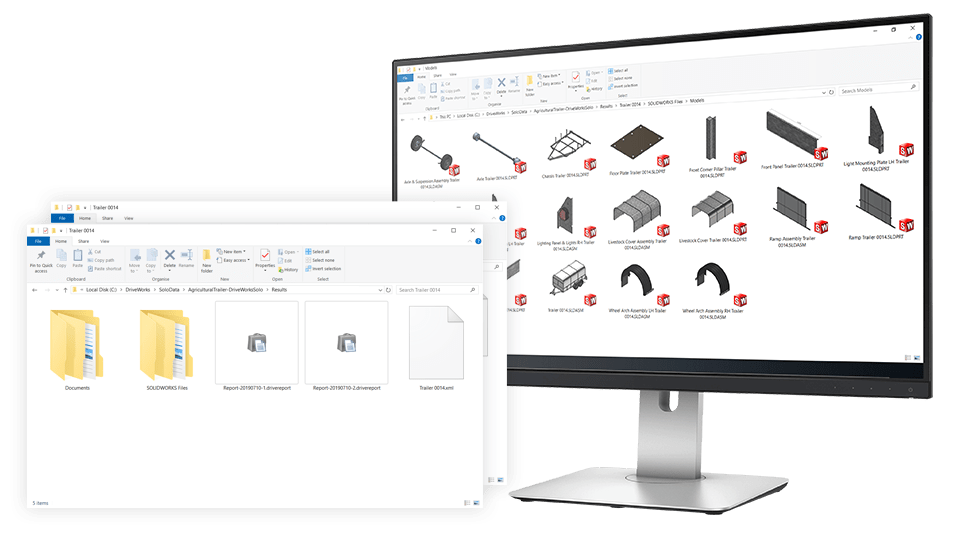
You have full control over the save location and folder structure of files created by DriveWorks Solo. Automatically create any additional file format available in SOLIDWORKS.
- You have complete control over file naming, use intelligent file naming to create a library of parts.
- Save files exactly where you want them.
- Create any additional file format available in SOLIDWORKS.
Custom input forms
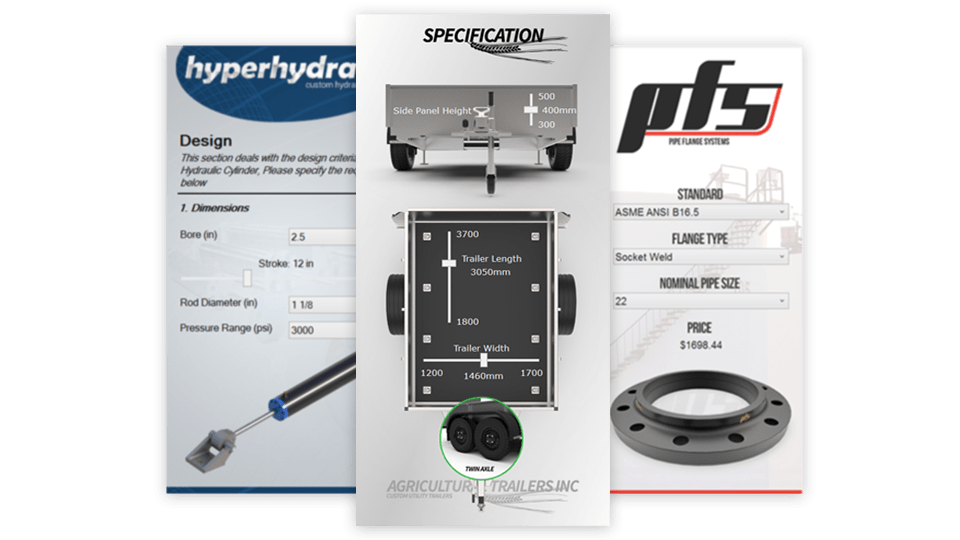
DriveWorks Solo has an inbuilt form designer to create user-friendly input forms.
- Rules-based form-to-form navigation controls which forms are shown based on selections.
- Use images to aid the configuration process and provide selection feedback.
- Control visibility and validation of input controls based on rules.
Static tabular data
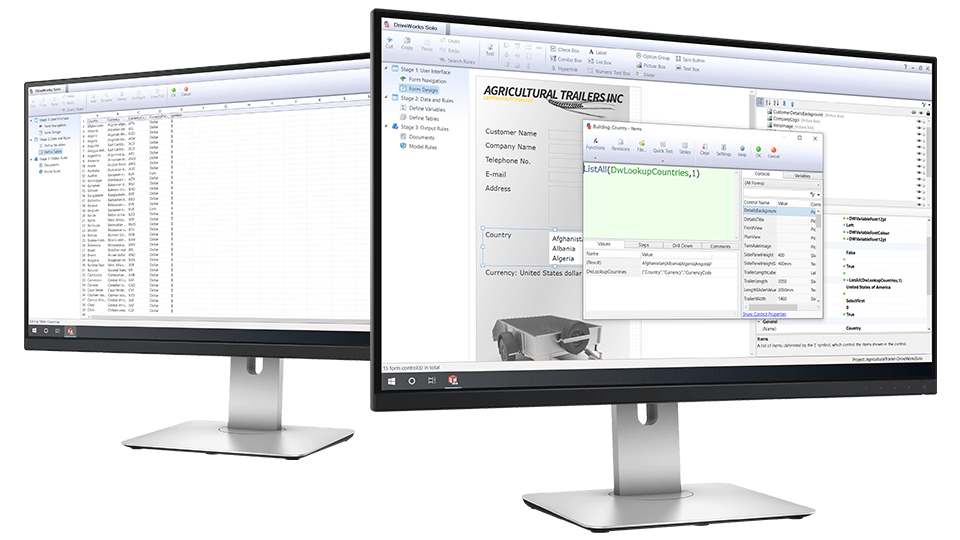
Add your existing static tabular data into DriveWorks Solo, use it on your forms and within your rules.
- DriveWorks Solo includes 60 table functions to manipulate data.
- Centralize and maintain your existing engineering data in DriveWorks.
- Minimise errors and ensure data is always up to date.
Customizable documents
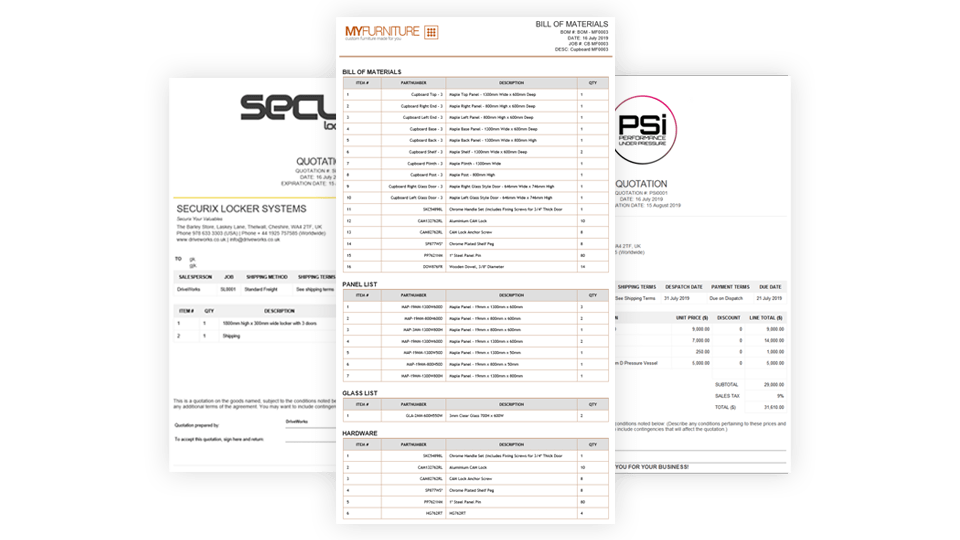
Quickly respond to sales inquiries with accurate documents using the DriveWorks Solo quote, covering letter and BOM templates.
- Reduce time spent preparing documents for customer inquiries.
- Build rules to control what is included in your documents.
- Reports provide auditing of document content.
Try DriveWorks Solo for free
Get instant access to DriveWorks Solo for 30 days, no credit card required.
DriveWorks ROI
Calculate your ROI for DriveWorks Solo.
DriveWorks Solo learning resources

DriveWorks Solo help file
Comprehensive documentation on all DriveWorks Solo features and functionality.
Learning portal
DriveWorks training, exclusive learning resources, and recordings of live events. Complete the New To – DriveWorks Solo training to prepare for the DriveWorks Solo certification.

Example projects
DriveWorks projects that demonstrate different aspects of DriveWorks Solo functionality.

Getting started webinar
A step-by-step guide that takes you through the first steps to automating with DriveWorks Solo.

DriveWorks forum
A place for DriveWorks Solo users to share tips and solutions.

DriveWorks Solo certification
Expand your knowledge and demonstrate your skills with the DriveWorks Solo certification.

How-to videos
Learn how to capture parameters in SOLIDWORKS®, create forms, and build rules with DriveWorks Solo.

30-day free trial
Start your free trial today and get instant access to DriveWorks Solo for 30 days. No credit card required.

Instructor-led training
DriveWorks Resellers offer in-depth DriveWorks Solo training to help you succeed with the software. Contact your reseller for more information.

ROI calculator
Calculate a return on investment for DriveWorks Solo based on automating one of your own products and see how quickly you could benefit from using DriveWorks.

DriveWorks World
Join us for our annual technical learning and networking event for the DriveWorks community.

DriveWorks Drivers
Quarterly networking and knowledge-sharing virtual meetings.

DriveWorks customer stories
See how other customers are using DriveWorks and get inspiration for your own implementation.

DriveWorks articles
Explore the latest manufacturing technology insights from our industry experts.
How to buy DriveWorks
DriveWorks is sold worldwide and supported locally by authorized and certified DriveWorks Resellers, on your time zone.
Software
SOLIDWORKS® design automation and product configurator software.
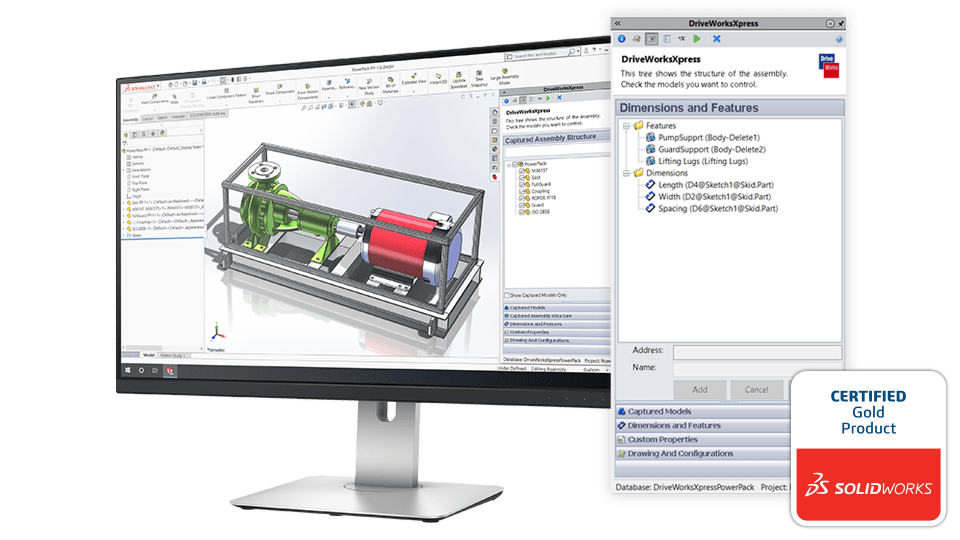
DriveWorksXpress
DriveWorksXpress entry-level design automation is included free in every seat of SOLIDWORKS®. Upscale to DriveWorks Solo or DriveWorks Pro anytime.
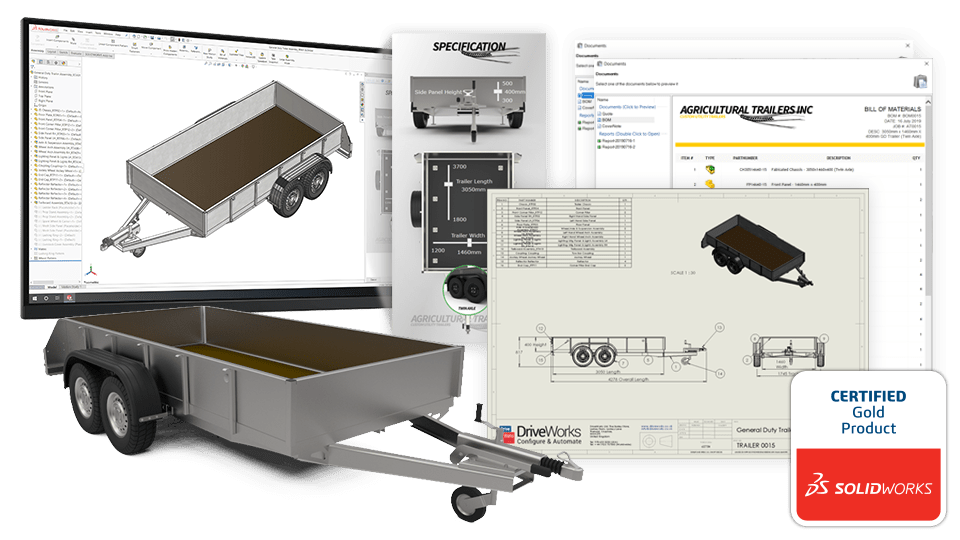
DriveWorks Solo
Powerful SOLIDWORKS® design automation. Download your 30-day free trial of DriveWorks Solo.
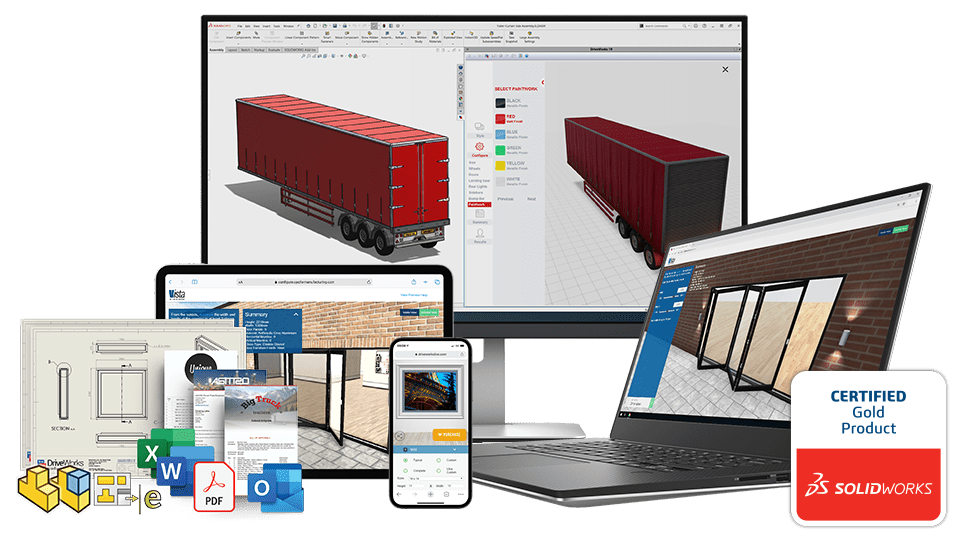
DriveWorks Pro
Complete SOLIDWORKS® automation and online 3D CPQ configurator software. Try one of our configurator examples now.