

Estimated reading time: 5 minutes
Downloading and installing DriveWorks
Downloading and installing the latest version of DriveWorks software is a simple process and doesn’t take long. In this article, Maria Sarkar, MBE, DriveWorks Co-Founder, shares her experience of downloading the latest version of DriveWorks.
Downloading the latest version of DriveWorks
I started by logging into the MyDriveWorks community to get the latest version of DriveWorks software, in this case DriveWorks 23.
You can create an account if you don’t have one or reset your password if you’ve forgotten it.
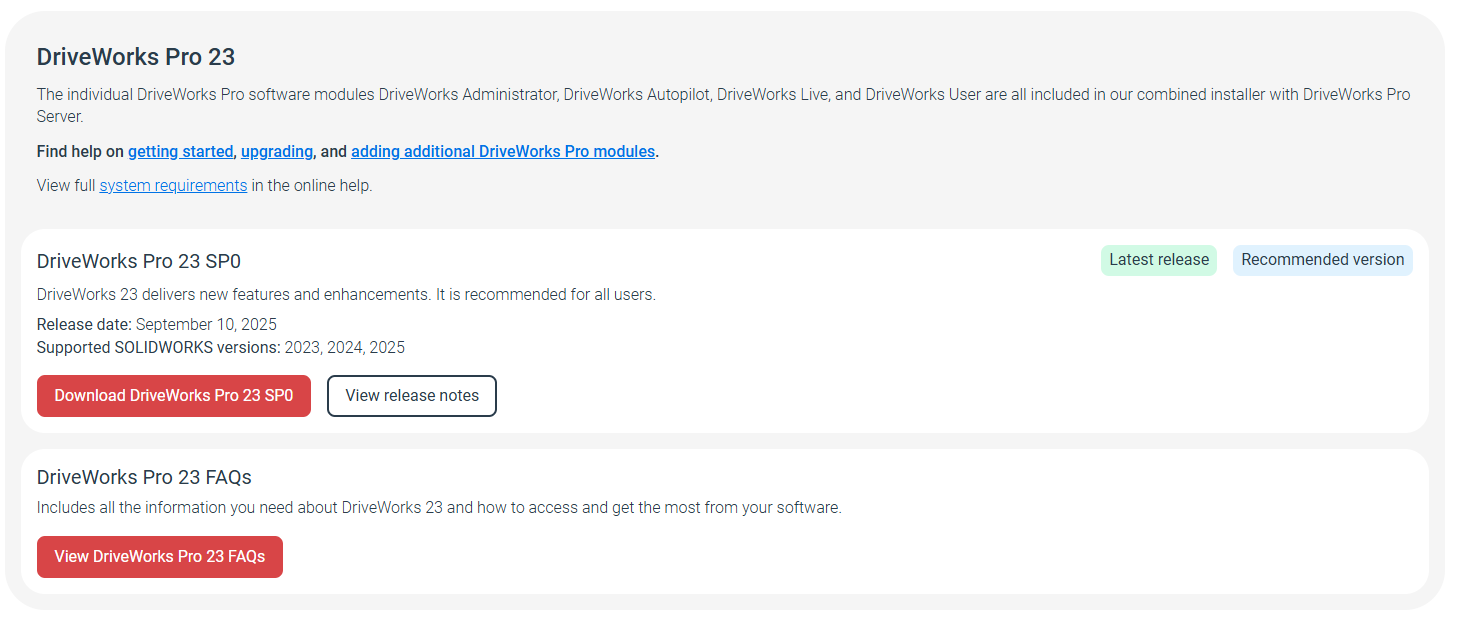
Whilst it’s tempting to hit the big red Download button immediately, we recommend taking some time to look at the Release Notes and FAQs provided.
The Release Notes summarize the main features of the software release and the FAQs have been designed to help with troubleshooting any questions you might have about the software download process.
I already had DriveWorks 22 installed on my laptop so I took a backup of my DriveWorks 22 projects, and then went to Programs and Features to uninstall DriveWorks 22.
I then headed back to MyDriveWorks to download the latest release of DriveWorks. DriveWorks Pro is approximately 500MB and took less than 2 minutes to download.
Installing the latest version of DriveWorks
With the download complete, I then went on to install and license the software.
The DriveWorks Setup Wizard guided and prompted me through the steps I needed to follow.
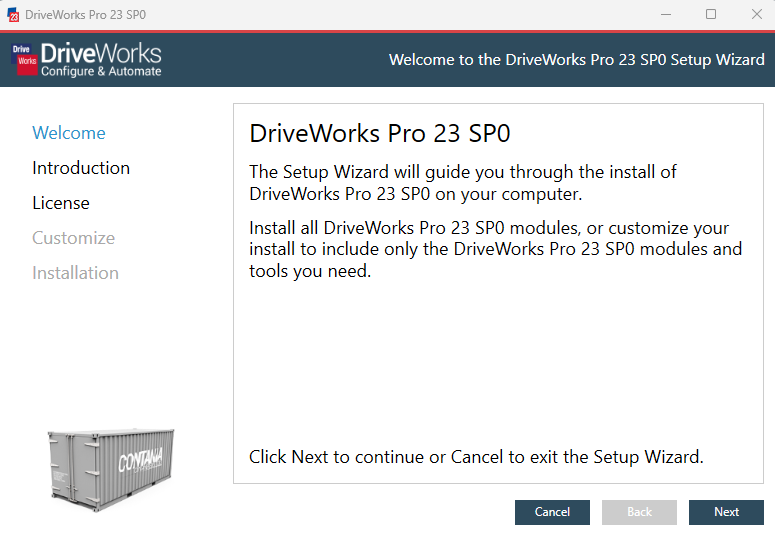
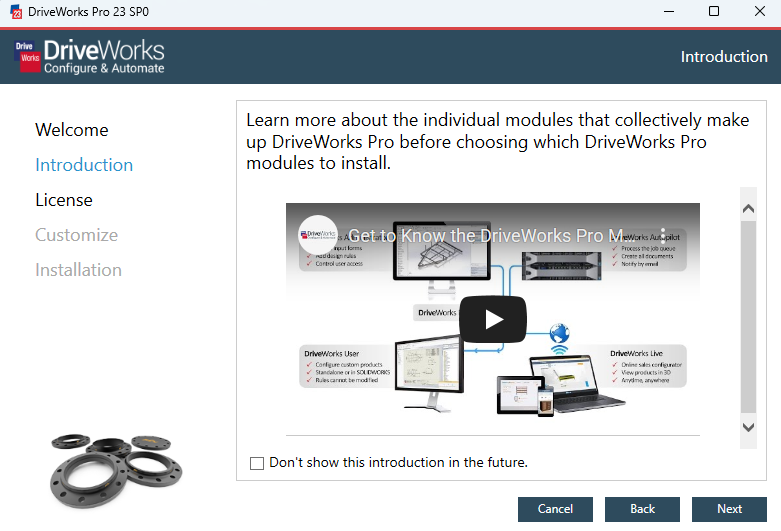
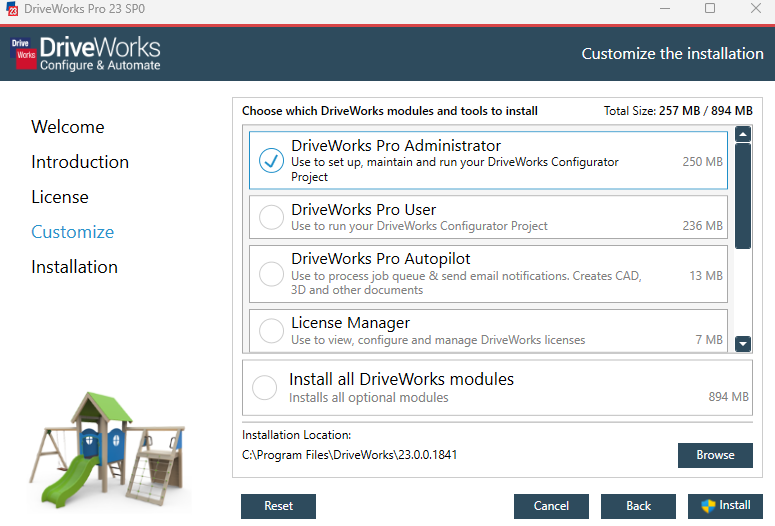
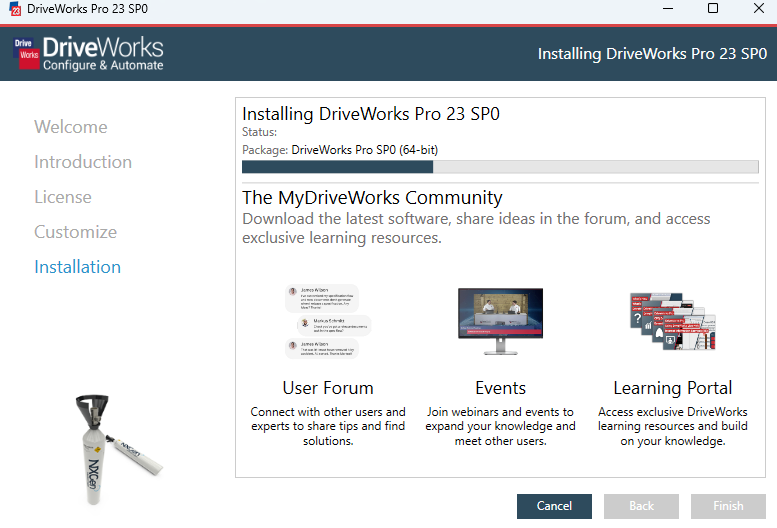
DriveWorks Setup Wizard
The setup wizard will guide you through installing the latest version of DriveWorks.
Licensing the latest version of DriveWorks
We generate new license codes for every new release, so you can test the new functionality before updating your production/live environment to the latest release.
Your DriveWorks 23 license codes are available in the Manage your organization portal in MyDriveWorks.
DriveWorks Pro customers with DriveWorks Live licenses on active subscription will notice a new license in your portal – DriveWorks Live Insights.
DriveWorks Live Insights enables you to view any missed sessions on your configurator, so you can understand fluctuations in demand and make adjustments to ensure your sales teams and customers can use your configurator at any time. Customers with DriveWorks Live OnDemand don’t need to use this new license – DriveWorks Live Insights functionality is built in with your OnDemand license.
Now that we have an understanding of what 3D visualization is and some of the available features, we can explore the benefits of using a product configurator tool that offers 3D visualization.


As a non-technical member of the DriveWorks team, I take great pride in being one of the first to download and use the latest version of our software.
We always recommend being on the latest version so that you can take advantage of any security enhancements, bug fixes and new features.
Maria Sarkar, MBE
DriveWorks Co-Founder
Important Information
- We have tested the updates rigorously across Windows Operating Systems and the latest versions of SOLIDWORKS to test compatibility. SOLIDWORKS 2023 is fully supported, along with SOLIDWORKS 2021 and 2022.
- As with any upgrade, remember to take a back up of your data!
- The download should take no more than 30 minutes.
- If you are working in a multi-user environment make sure you upgrade all of the DriveWorks Modules e.g. DriveWorks Administrator, Autopilot, any DriveWorks User licenses, DriveWorks Live and DriveWorks Pro Server.
- Make sure you have your DriveWorks 23 license codes to hand. We issue new license codes for each new major release so you can get to know the new functionality and test it before you use it in production.
Download DriveWorks 23 now from the DriveWorks Community
DriveWorks resellers, partners, and customers with an active subscription can download DriveWorks 23 from the DriveWorks Community now.
Download DriveWorks 23
Downloading, installing, and licensing each of the DriveWorks Pro software modules is part of our own internal testing process. As you would expect from an established software company like DriveWorks, we employ a robust testing strategy, with a focus on the security and usability of our users.
Measures such as our verified publisher code signing certificate are designed to give you peace of mind and assurance that the DriveWorks software you are downloading is secure and safe.